
Overview & Analysis
AiPPT is an AI-powered presentation creation platform designed to help users generate professional PowerPoint presentations in minutes instead of spending hours building slides manually. The platform combines artificial intelligence, presentation templates and automated design workflows to simplify the entire process of creating presentations for business, education, marketing and personal use.
The core idea behind AiPPT is simple:
Turn ideas, documents or URLs into complete presentations automaticallyInstead of starting from a blank slide, users can enter a topic, upload a PDF or Word document, paste text, add a webpage URL or import structured content such as Markdown or mind maps. The AI then analyzes the information and automatically generates:
- presentation outlines
- slide structures
- visual layouts
- content summaries
- charts and formatting.
AiPPT is especially useful for people who frequently create:
- business reports
- startup pitch decks
- school presentations
- marketing slides
- company profiles
- educational materials
- project proposals.
One of the platform’s strongest advantages is its ability to export editable PPTX files, allowing users to continue editing presentations inside Microsoft PowerPoint after generation. Many AI presentation tools focus only on online viewing, but AiPPT is built specifically around PowerPoint workflows and compatibility.
The platform also provides:
- AI-generated slide outlines
- one-click theme switching
- automatic layout optimization
- chart editing
- AI image generation
- online PPT editing
- document-to-slide conversion
- URL-to-presentation generation.
AiPPT supports both desktop and mobile experiences, including dedicated apps for iOS and Android, allowing users to generate and edit presentations on the go.
The system is targeted toward:
- students
- teachers
- business professionals
- marketers
- startups
- agencies
- corporate teams
- content creators.
Compared to traditional presentation creation workflows, AiPPT significantly reduces the time required for:
- research organization
- slide formatting
- layout design
- content structuring
- presentation drafting.
The platform also competes with modern AI presentation tools such as Gamma, Tome and Beautiful.ai, but positions itself more strongly as a PowerPoint-focused AI workflow with editable PPT exports and large template libraries.
Key Features
Text-to-Presentation AI
Generate complete PowerPoint presentations directly from prompts or ideas.
PDF & Word to PPT
Convert documents into structured and editable presentation slides automatically.
URL to Presentation
Turn webpage links into summarized PowerPoint presentations with AI.
AI Outline Generator
Automatically create logical slide structures and presentation frameworks.
AI Templates & Themes
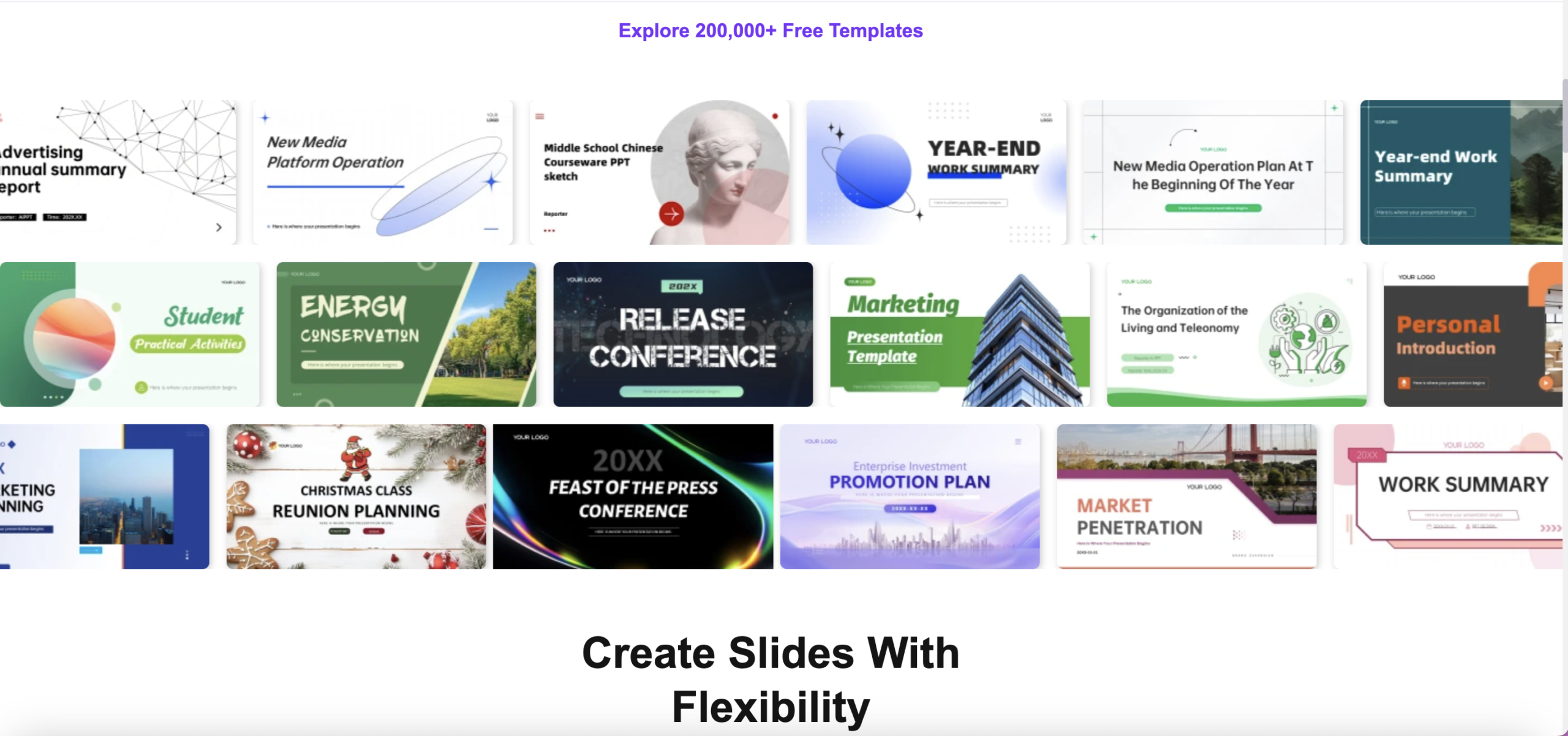
Access thousands of professional templates with one-click theme switching.
PPT Export & Online Editing
Edit presentations online and export fully editable PPTX, PDF or image files.
✅ Pros
- AI can generate complete presentations from simple prompts within seconds
- Supports PDF, Word, TXT, Markdown and URL-to-PPT conversion
- Exports fully editable PPTX files compatible with Microsoft PowerPoint
- Large template library with over 200,000 presentation templates
- Significantly reduces manual slide creation time
- AI-generated outlines help organize presentation structure automatically
- One-click theme switching simplifies presentation redesign
- Useful for business reports, education, marketing and pitch decks
- Beginner-friendly interface with minimal design knowledge required
- Online editing tools allow quick content and layout adjustments
- Mobile apps available for iOS and Android devices
- Supports AI image generation for presentation visuals
- Cloud-based workflow allows cross-device synchronization
- Faster and more efficient than traditional slide creation workflows
- Helpful for teams and professionals working under tight deadlines
- Provides AI-assisted chart and data visualization editing
- Can generate presentations directly from webpage URLs
- Strong PowerPoint-focused workflow compared to many AI competitors
- Suitable for both personal and professional presentation needs
- Affordable pricing compared to hiring designers or agencies
❌ Cons
- AI-generated slides may still require manual polishing
- Some templates can feel repetitive for advanced users
- Free plan includes limited daily AI generations
- Advanced export features require paid subscriptions
- AI content quality depends heavily on user input quality
- Some generated presentations may look generic without customization
- Less flexible than fully manual PowerPoint design workflows
- Heavy users may require higher-tier plans for larger projects
- Creative control is lower compared to professional slide designers
- Internet connection is required for most AI features