

Overview & Analysis
Overview
Hugeicons is a modern icon library built for designers, developers, and product teams who need a consistent, scalable, and high-quality icon system for digital products. Rather than offering a small collection of basic icons, Hugeicons provides a massive library of 59,000+ handcrafted icons across 10 professionally designed styles, making it suitable for everything from websites and mobile apps to SaaS dashboards, design systems, presentations, and marketing materials. Every icon is designed with consistency in mind, allowing teams to maintain a unified visual language across multiple products and platforms.
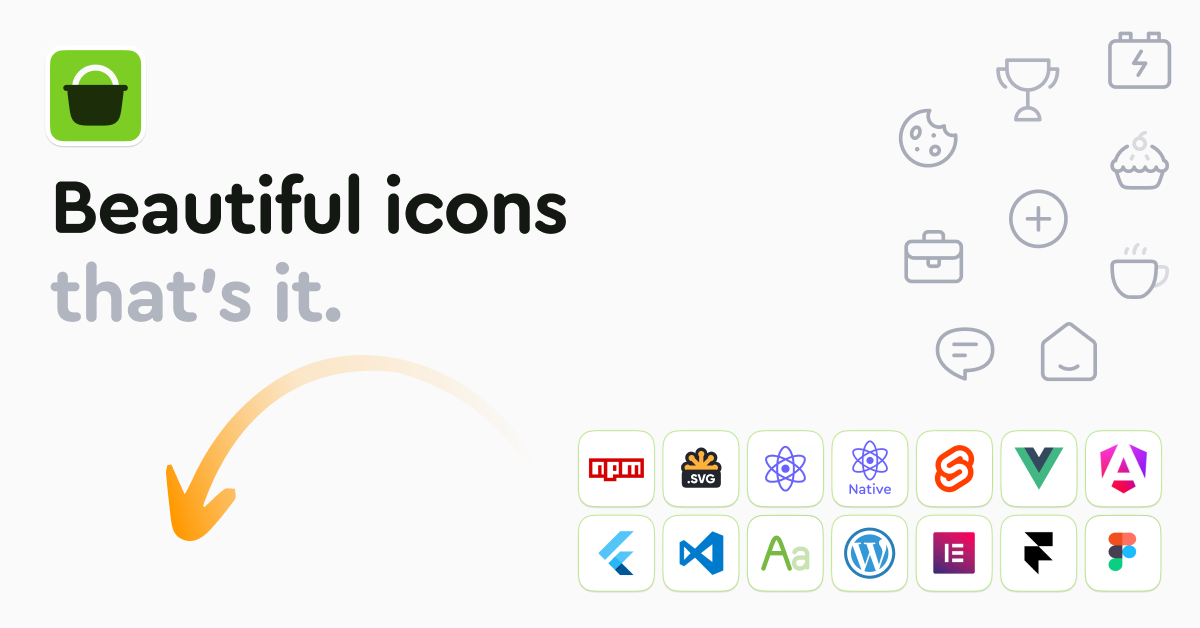
One of Hugeicons’ biggest strengths is its seamless integration into modern design and development workflows. Designers can access icons directly inside Figma using the official plugin, while developers can easily integrate icons into React, Vue, Angular, Svelte, Flutter, React Native, WordPress, Webflow, and many other frameworks. Thanks to optimized SVG files, tree-shaking support, and TypeScript compatibility, Hugeicons delivers excellent performance without increasing application size, making it suitable for production-ready projects.
The platform is designed to support both individual creators and large development teams. The free version includes more than 5,900 icons for personal and commercial use, while the Pro version unlocks the complete library, premium plugins, developer packages, AI-powered icon search, Figma source files, downloadable SVG collections, web fonts, desktop fonts, IconJar libraries, and team collaboration features. Developers can also host icons through npm packages or use CDN webfonts, while design teams benefit from consistent icon styles that can easily switch between stroke, solid, duotone, twotone, and bulk variations.
Another standout feature is Hugeicons’ focus on productivity. Instead of manually searching through thousands of icons, users can quickly locate the right asset using intelligent search, organize custom icon sets, upload their own icons, and access multiple export formats including SVG, PNG, JSON, Icon Fonts, and framework-specific packages. Combined with priority human support, extensive documentation, and continuous icon updates, Hugeicons has become one of the most comprehensive icon ecosystems available for modern UI and UX design. Today, the platform is trusted by 500,000+ designers and developers worldwide, making it a reliable solution for startups, agencies, enterprises, and independent creators who want professional-quality icons with minimal workflow friction.
Key Features
Massive Icon Library
Access over 59,000 professionally designed icons across 10 unique styles, suitable for websites, mobile apps, dashboards, and design systems.
Figma Plugin
Search, preview, and insert icons directly inside Figma without leaving your design workflow, improving speed and consistency.
Multi-Framework Integration
Integrate Hugeicons seamlessly into React, Vue, Angular, Svelte, Flutter, React Native, WordPress, Webflow, and other modern frameworks.
AI-Powered Icon Search
Quickly find the perfect icon using intelligent search capabilities, helping designers and developers work more efficiently.
Multiple Export Formats
Download icons in SVG, PNG, JSON, Icon Font, Web Font, and framework-ready packages for maximum flexibility across different projects.
Performance Optimized
Built with lightweight SVG files, tree-shaking support, and TypeScript compatibility to ensure fast loading and minimal bundle sizes in production applications.
✅ Pros
- Massive library of 59,000+ handcrafted icons.
- 10 professional icon styles for different design systems.
- Excellent Figma integration with native plugin.
- Supports React, Vue, Angular, Flutter, WordPress, and more.
- Lightweight SVGs with tree-shaking optimization.
- AI-powered icon search for faster workflow.
- Commercial license available for unlimited projects.
- Regular updates with new icons and styles.
❌ Cons
- Most advanced features require a Pro subscription.
- Free version includes only one icon style.
- Team collaboration features are limited on lower-tier plans.
- AI search and premium assets are Pro-only.
- Large icon library may feel overwhelming for new users.