
Overview & Analysis
Vizard AI is an AI-powered video repurposing platform designed to transform long-form videos into short viral clips for TikTok, Instagram Reels, and YouTube Shorts.
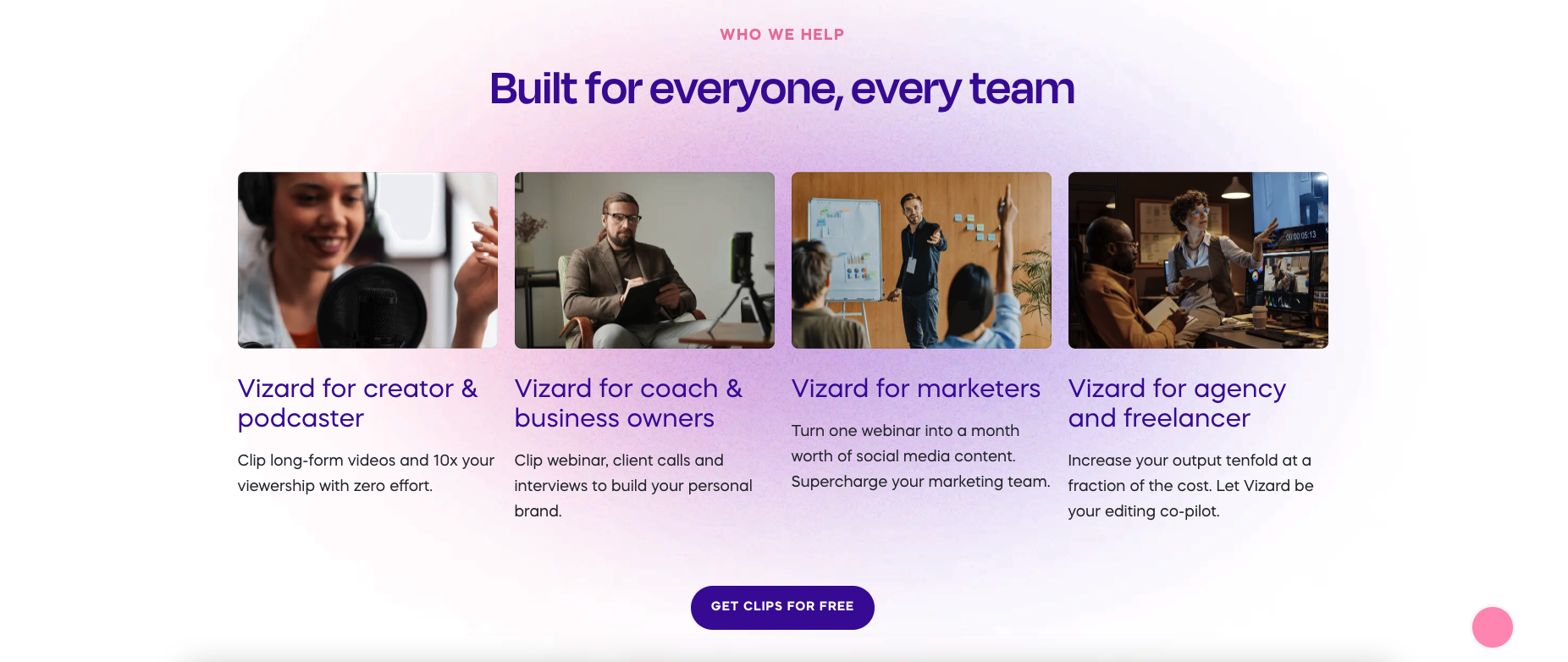
The platform automatically detects highlights, generates captions, reframes videos into vertical format, and helps creators produce multiple short clips from a single video within minutes. It is widely used by content creators, affiliate marketers, podcasters, agencies, and social media teams looking to scale content production efficiently.
One of Vizard AI’s biggest strengths is transcript-based editing, allowing users to edit videos by simply editing text. The platform also includes AI clipping, speaker tracking, subtitle generation, social publishing tools, brand templates, and collaboration features.
Key Features
AI Clipping
Automatically finds the best moments from long videos and turns them into short viral clips for TikTok, Reels, and YouTube Shorts.
Auto Captions & Subtitles
Generates captions instantly with support for multiple languages, emojis, and highlighted keywords.
Transcript-Based Editing
Edit videos by editing text transcripts, making video trimming much faster and easier.
Auto Reframing for Vertical Videos
Converts landscape videos into vertical 9:16 format automatically for social media platforms
AI Social Captions & Hashtags
Creates ready-to-use social media captions and hashtags to improve engagement and reach.
Team Collaboration & Sharing
Supports team workspace, link sharing, and collaborative editing for agencies and marketing teams.
✅ Pros
- AI automatically creates short clips from long videos
- Easy transcript-based editing workflow
- Supports TikTok, Reels, and YouTube Shorts
- Fast auto-caption and subtitle generation
- Automatically converts landscape videos into vertical format
- Cloud-based and beginner-friendly
- Great for podcast clipping and content repurposing
- Team collaboration and workspace features available
❌ Cons
- AI may not always choose the best highlights
- Limited advanced editing compared to Premiere Pro
- Requires stable internet connection
- Pricing can become expensive with heavy usage
- Some exports may still require manual adjustments